A real editor for the moments you don’t want a whole IDE.
An agent leaves a line wrong. A config needs one value changed. A file on a server needs a look. Open it right here — local repo file or remote file over SFTP — fix it, and move on.
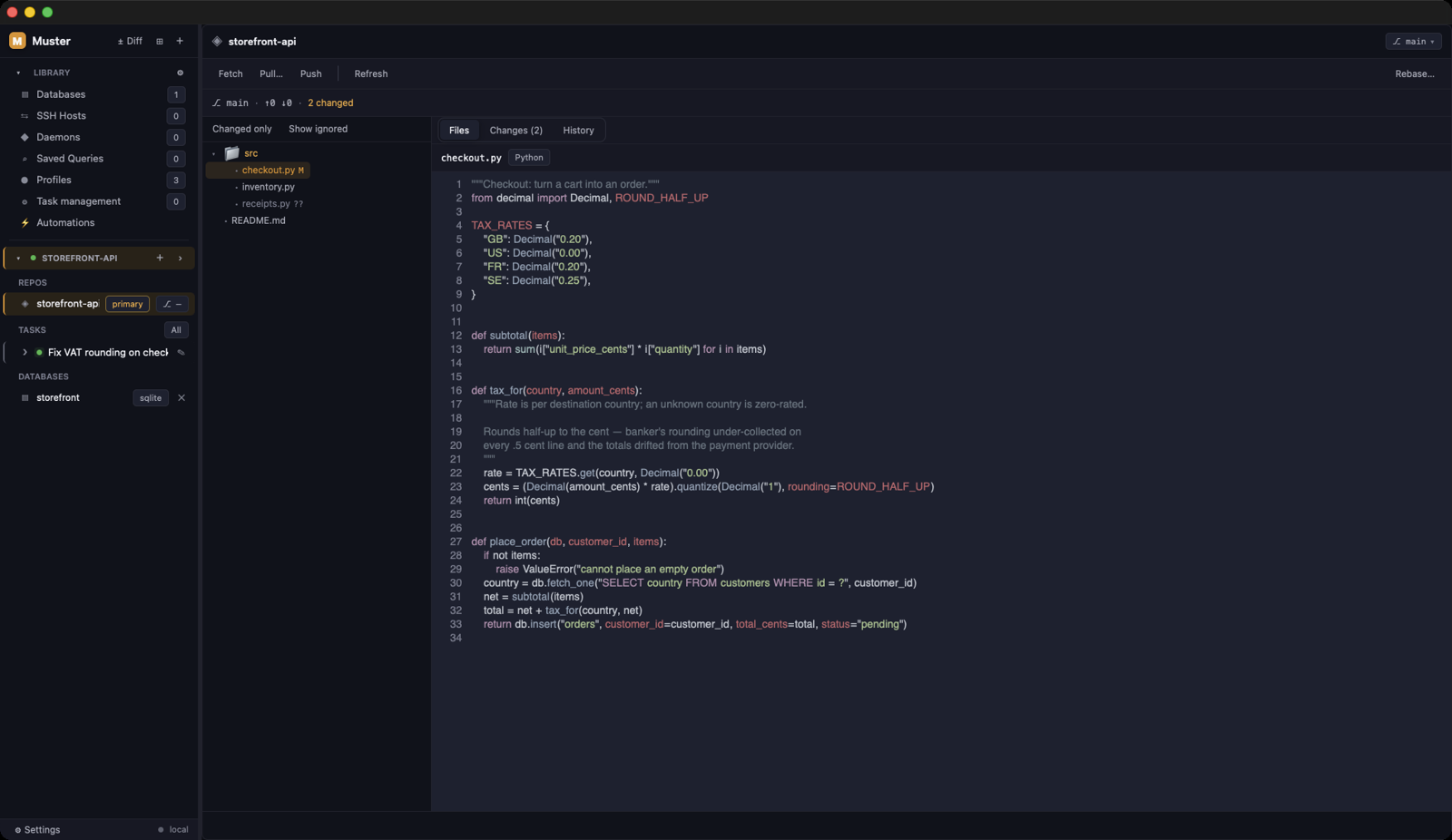
Local and remote, same editor
Syntax highlighting from syntect — the same grammar engine your IDE likely uses — on local repo files and on remote files over SFTP. A file on a server opens like a file on disk, because the transport is the SSH connection you already added.
Find and replace that means it
Literal, case-sensitive, whole-word and regex modes, with real selection and clipboard behaviour. The small edits agents leave behind are a thirty-second job, not a context switch.
Saves that can’t corrupt
Remote saves detect a file that changed on the server while you were editing, via content hash — you get the conflict surfaced instead of silently overwriting someone else’s deploy. Line endings survive the round trip: a CRLF file edits as LF and saves as CRLF. And uploads are atomic, staged then swapped, so a dropped connection never leaves a truncated file behind.
Hand off at the exact line
When the change outgrows a quick fix, any file opens in VS Code, Cursor, Zed, Sublime or Neovim at the right file and line — straight from the diff view or global search. The handoff honors $VISUAL and $EDITOR, so a terminal-first setup works too.
More in workflow.
See it on your own repo.
$39 once, per device. A perpetual license, no subscription, nothing that renews. Your code, data and credentials never touch our servers.
Rather try it first? Start the 7-day trial — card up front, $0 charged today, and cancelling before day 7 means you pay nothing. The key appears on screen, ready to paste into Muster.